You’ve bought some crypto. Maybe it’s sitting in an exchange account, or you’ve moved it to a free software wallet on your phone. Now you keep hearing about hardware wallets, those physical devices that cost anywhere from $50 to $200. The question gnawing at you is simple: are hardware wallets worth it, or is this just another expense hyped by security enthusiasts?
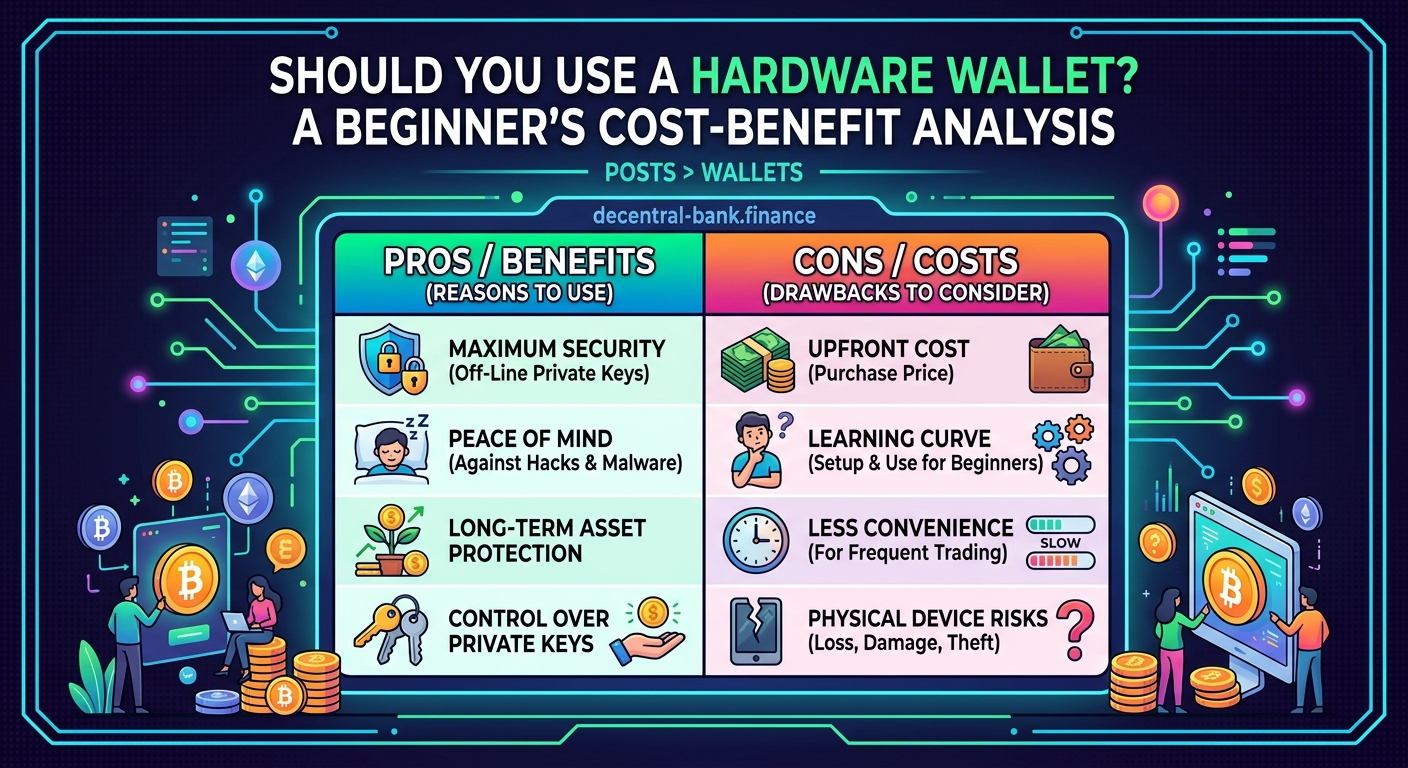
Hardware wallets offer superior security by keeping your private keys offline, protecting against remote hacks and malware. They’re worth the investment if you hold more than $500 in crypto, plan to use DeFi protocols regularly, or want peace of mind knowing your assets are safe from the most common attack vectors. For smaller holdings or casual traders, a well-secured software wallet may suffice.
What exactly does a hardware wallet protect you from?
A hardware wallet is a physical device that stores your private keys completely offline. Think of it as a USB stick designed specifically for crypto security.
The main threats it guards against include:
- Remote hackers who can’t access offline devices
- Malware on your computer or phone that steals wallet credentials
- Phishing sites that trick you into revealing seed phrases
- Exchange hacks where platforms lose customer funds
Software wallets store your keys on internet-connected devices. That creates vulnerability. Even if the wallet app itself is secure, your phone or computer might not be. One malicious download, one compromised browser extension, and your funds could vanish.
Hardware wallets isolate your keys from these risks. When you want to send crypto, the transaction is signed inside the device itself. Your private key never touches your computer or the internet.
Breaking down the real costs
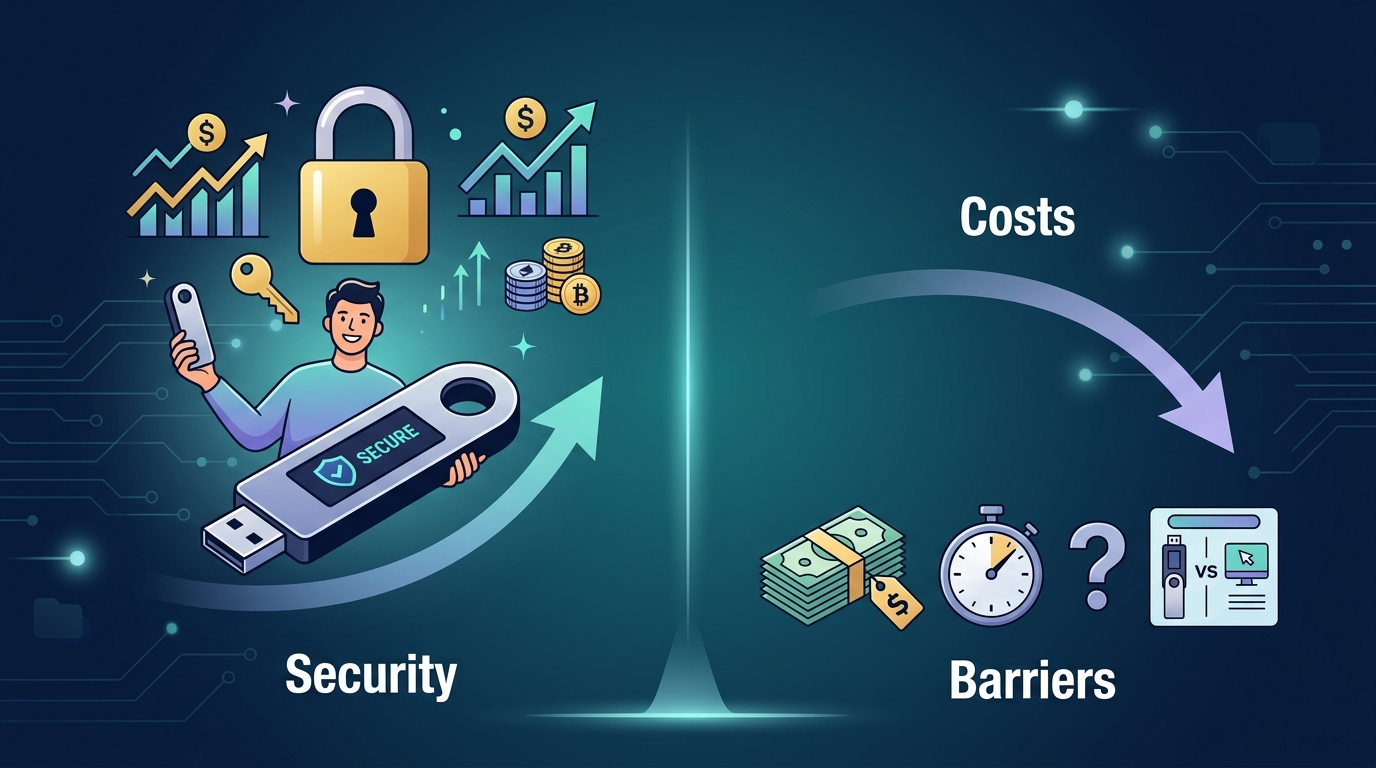
Let’s talk numbers. A decent hardware wallet costs between $50 and $150. Popular models include Ledger Nano S Plus ($79), Ledger Nano X ($149), and Trezor Model One ($69).
That’s not a trivial expense for someone just starting out. But context matters.
If you’re holding $200 worth of crypto, a $79 hardware wallet represents nearly 40% of your holdings. That math doesn’t make sense for most people.
But if you’re holding $2,000, that same device is just 4% of your portfolio. The calculation shifts dramatically.
Consider this comparison:
| Holding Amount | Hardware Wallet Cost | Percentage of Portfolio | Risk Without Hardware Wallet |
|---|---|---|---|
| $200 | $79 | 39.5% | Low financial impact if lost |
| $500 | $79 | 15.8% | Moderate, but recoverable |
| $2,000 | $79 | 4.0% | Significant loss potential |
| $10,000 | $79 | 0.8% | Devastating if compromised |
The percentage column tells the story. Once your holdings reach a certain threshold, the cost of protection becomes negligible compared to what you stand to lose.
When software wallets actually make sense
Hardware wallets aren’t always the right answer. Here are scenarios where a software wallet works just fine:
-
You’re holding less than $500 in crypto. The cost-benefit ratio doesn’t favor hardware wallets yet. Focus on securing your software wallet properly instead.
-
You trade frequently. Hardware wallets add friction to every transaction. If you’re making multiple trades per day, the extra steps become tedious.
-
You only use centralized exchanges. If you’re keeping crypto on Coinbase or Kraken and not moving it to personal wallets, a hardware wallet won’t help. The exchange controls those keys, not you.
Software wallets offer convenience. They’re free, easy to set up, and perfect for small amounts or active trading. The how to choose between hot wallets and cold wallets for your crypto guide covers this decision framework in detail.
Just remember that convenience comes with trade-offs. Your phone can be hacked. Your computer can catch malware. These aren’t theoretical risks.
The hidden costs of getting hacked

Let’s flip the question. What does it cost if you don’t use a hardware wallet and something goes wrong?
The obvious cost is your crypto. All of it. Gone.
But there are hidden costs too:
- Time spent trying to recover funds (spoiler: you usually can’t)
- Emotional stress from losing money you worked hard to earn
- Lost opportunity because you’re too scared to re-enter crypto
- Reputation damage if you were managing funds for others
One person lost $12,000 to a clipboard malware attack. The malware changed the wallet address he copied, sending his Bitcoin to a hacker instead of his intended recipient. A hardware wallet would have prevented this because he would have verified the address on the device screen before confirming.
Another beginner approved a malicious smart contract that drained her entire wallet. She thought she was connecting to a legitimate DeFi protocol. The what happens when you approve a smart contract article explains how these exploits work and why hardware wallets add a critical verification step.
These aren’t rare edge cases. They happen every single day.
How to decide if you need one right now
Here’s a practical framework for making this decision:
- Calculate your total crypto holdings across all platforms and wallets.
- Multiply that number by 0.04 (4%). That’s a reasonable percentage to spend on security.
- Compare the result to hardware wallet prices. If your 4% calculation exceeds $79, buy one.
Let’s say you hold $1,500 in crypto. Four percent of that is $60. A Ledger Nano S Plus costs $79, which is slightly above your threshold. You’re in the gray zone where either choice is defensible.
But consider your plans. Are you planning to buy more crypto? Will you start using how does DeFi actually work without banks or middlemen protocols that require frequent wallet interactions?
If yes, buy the hardware wallet now. You’ll need it soon anyway.
If no, stick with a well-secured software wallet and revisit this decision when your holdings grow.
Setting up a hardware wallet the right way
Buying a hardware wallet is step one. Using it correctly is what actually keeps you safe.
Follow these steps during setup:
-
Buy directly from the manufacturer. Never buy used hardware wallets from eBay or Amazon third-party sellers. Tampered devices are a real risk.
-
Write down your seed phrase on paper. Use the recovery sheet that comes with the device. Never store it digitally, not even in a password manager.
-
Verify the seed phrase immediately. Most devices make you re-enter it to confirm you wrote it correctly. Don’t skip this step.
-
Store the seed phrase somewhere fireproof and waterproof. A safe deposit box or home safe works well. Some people split the phrase and store parts in different locations.
-
Test a small transaction first. Send $10 worth of crypto to your hardware wallet, then send it back. Make sure you understand the process before moving larger amounts.
The 5 critical mistakes beginners make when setting up their first DeFi wallet guide covers the most common setup errors and how to avoid them.
Never photograph your seed phrase or store it in cloud storage. Treat it like a combination to a safe containing all your money, because that’s exactly what it is.
Common objections and why they don’t hold up
“Hardware wallets are too complicated.” They’re really not. Setup takes 10 minutes. After that, you just connect the device when you need to send crypto. Modern hardware wallets have clear screens and simple button interfaces.
“I might lose the device.” Losing the physical device doesn’t mean losing your crypto. As long as you have your seed phrase, you can restore everything to a new device or compatible software wallet. The what happens if you lose your seed phrase article explains the recovery process.
“Software wallets have good security too.” They do, but they’re fundamentally limited by being connected to the internet. A hardware wallet adds an air gap that software simply cannot replicate.
“I can’t afford one right now.” If you genuinely can’t afford $79, you probably shouldn’t be investing in crypto yet. Build an emergency fund first. But if you’re holding $1,000+ in crypto, you can afford the protection.
The DeFi factor changes everything
If you’re planning to use decentralized finance protocols, the hardware wallet question becomes simpler. You need one.
DeFi involves constant wallet interactions. You’re approving smart contracts, swapping tokens, providing liquidity, and more. Each interaction is a potential attack surface.
Software wallets work for DeFi, but they expose you to more risk. You’ll connect your wallet to websites. You’ll sign transactions. One malicious site, one fake protocol clone, and your funds are gone.
Hardware wallets let you verify every transaction on the device screen before signing. You can see exactly what contract you’re approving and what permissions you’re granting. This visibility is critical when understanding how to choose between hot wallets and cold wallets for your crypto for DeFi use.
Some DeFi users keep two wallets: a hardware wallet for long-term holdings and a software wallet with smaller amounts for active trading. This hybrid approach balances security and convenience.
What the security experts actually use
Talk to anyone who works in crypto security, and they’ll tell you the same thing: they use hardware wallets for anything they can’t afford to lose.
These are people who understand software security better than anyone. They know how to secure computers, use VPNs, and avoid phishing. They still use hardware wallets.
That should tell you something.
The threat model isn’t about whether you’re careful. It’s about whether your security is stronger than an attacker’s motivation. Professional hackers use sophisticated tools. They find vulnerabilities you didn’t know existed.
A hardware wallet removes entire categories of attacks from the equation. It’s not perfect, but it’s substantially better than any software-only approach.
Making the call based on your actual situation
Here’s the bottom line: are hardware wallets worth it? For most people holding more than $500 in crypto, yes.
The cost is minimal compared to the protection. The learning curve is manageable. The peace of mind is real.
If you’re just getting started with $100 or $200, focus on learning the basics first. Use a reputable software wallet, enable all security features, and be extremely cautious about phishing. When your holdings grow or you start using DeFi, upgrade to a hardware wallet.
If you already have $1,000 or more, stop reading and order one. The longer you wait, the longer your funds are exposed to unnecessary risk.
The investment isn’t just about the device. It’s about building good security habits that will protect you as crypto becomes a larger part of your financial life. Start with proper wallet security, understand the 7 common DeFi terms every beginner should know before getting started, and protect your assets from day one.
Your security is worth more than $79
Crypto security isn’t about paranoia. It’s about proportional response to real risks.
You lock your car. You lock your house. You probably have insurance on things worth far less than your crypto holdings. A hardware wallet is the same principle applied to digital assets.
The question isn’t whether hardware wallets provide better security. They objectively do. The question is whether that security is worth the cost for your specific situation.
For small holdings, maybe not yet. For anything substantial, absolutely. And if you’re serious about crypto and plan to grow your involvement, you’ll need one eventually anyway.
Buy it now, set it up correctly, and sleep better knowing your assets are protected by more than just a password.