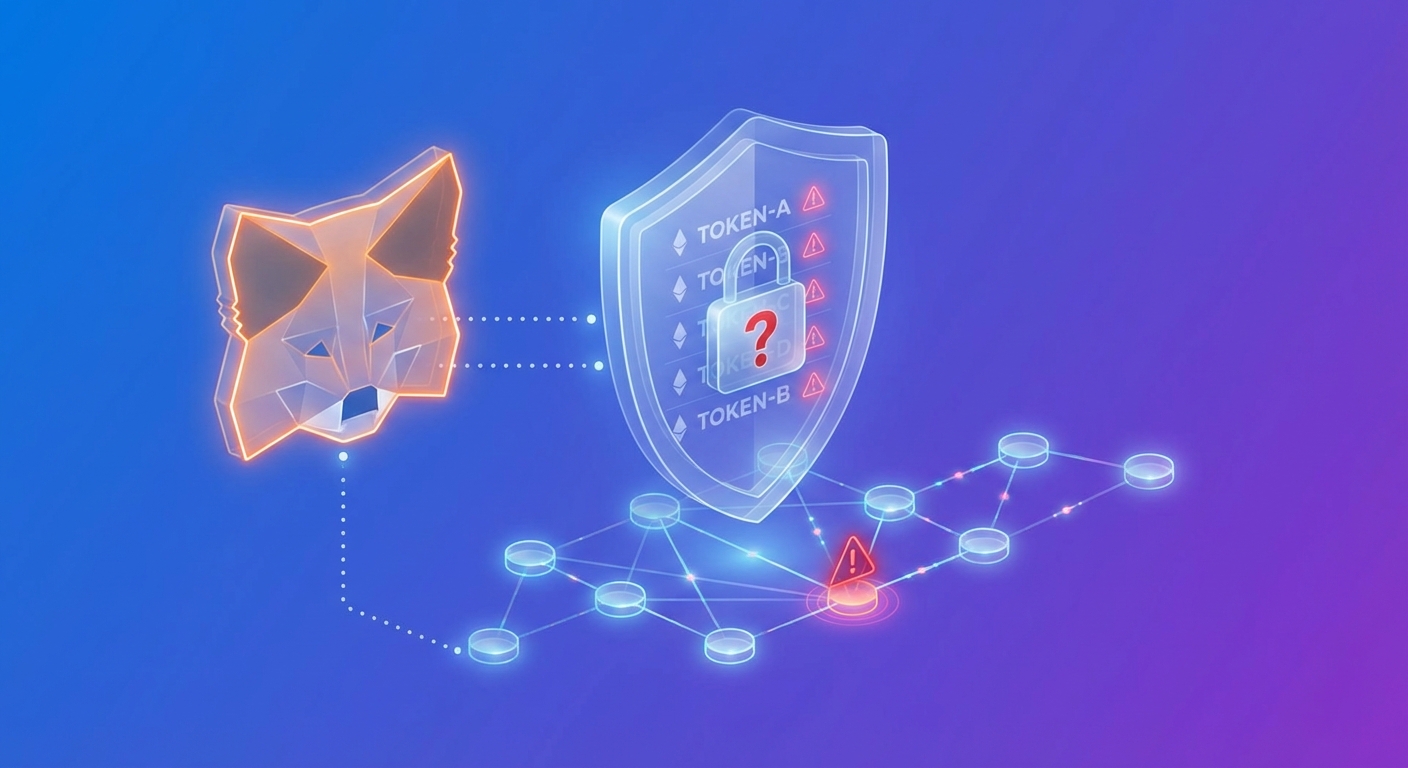
You open MetaMask to check your balance and notice something strange. There are token approvals you don’t remember making. Maybe it’s a token you’ve never heard of. Maybe it’s linked to a protocol you visited once and forgot about. Your stomach drops. Did someone hack your wallet?
Suspicious token approvals in MetaMask often result from interacting with malicious dapps or phishing sites that request unlimited spending permissions. These approvals don’t drain your wallet immediately but give scammers future access. You can audit and revoke dangerous approvals using tools like Revoke.cash or Etherscan. Regular approval hygiene prevents unauthorized access and protects your funds from silent theft.
What token approvals actually mean
Token approvals are permissions you grant to smart contracts.
When you use a decentralized exchange or lending protocol, you must approve the contract to move tokens on your behalf. This is normal. It’s how DeFi protocols function without middlemen.
But here’s the problem. Most dapps request unlimited approval by default. That means they can move all of your tokens, not just the amount you’re swapping or depositing right now.
Legitimate protocols rarely abuse this permission. Scam sites exploit it ruthlessly.
When you connect your wallet to a malicious dapp and sign an approval transaction, you hand over the keys. The scammer doesn’t need your seed phrase. They already have permission to transfer your tokens whenever they want.
How you ended up with suspicious approvals
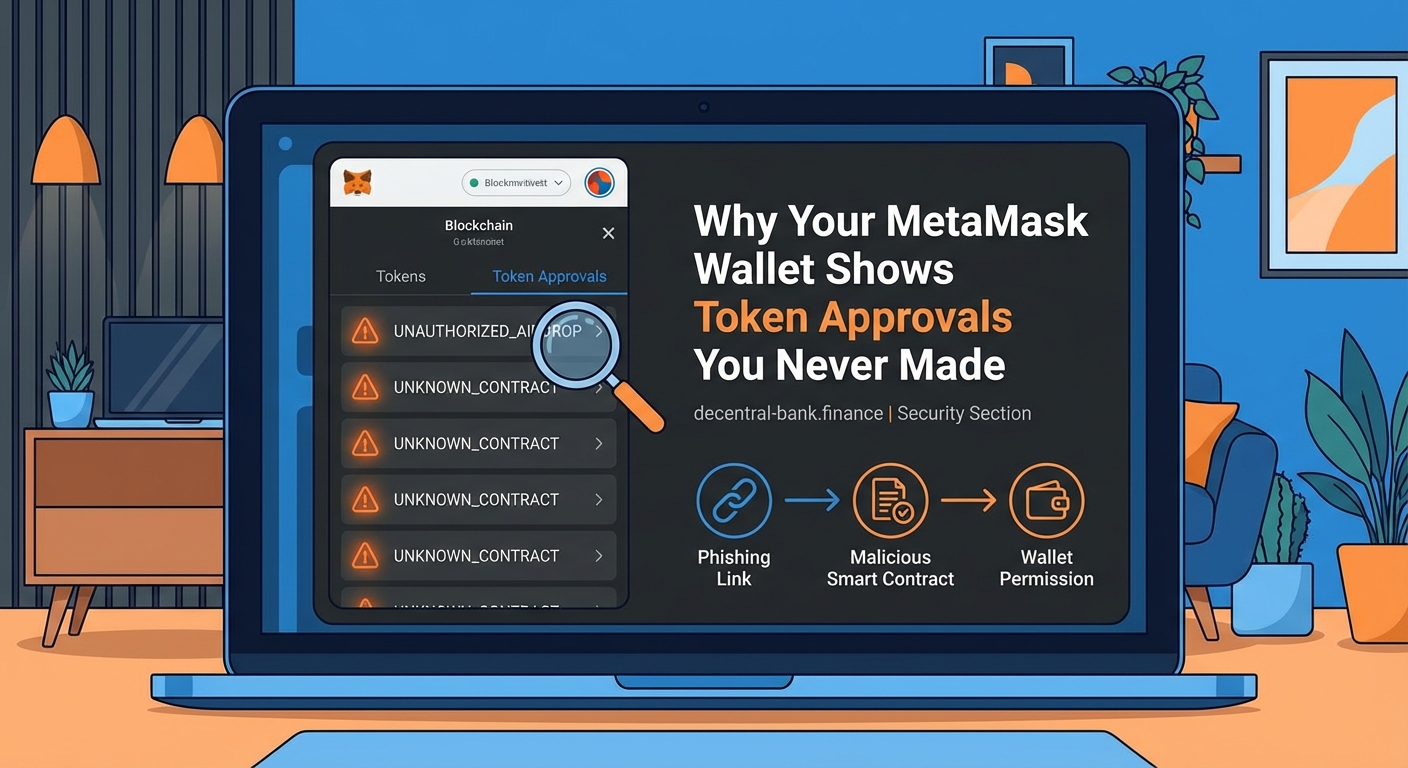
There are three common ways these approvals sneak into your wallet.
Phishing sites that mimic real protocols. You search for a popular DEX or NFT marketplace. You click a sponsored ad or mistyped URL. The fake site looks identical to the real one. You connect MetaMask. You approve a token. The scammer now has access.
Airdrop scams. A random token appears in your wallet. You visit the project’s website to learn more or claim a reward. The site asks you to approve a transaction. You think it’s harmless. It’s not. You just gave them permission to drain your legitimate tokens.
Malicious smart contracts disguised as mints or swaps. You try to mint an NFT or swap a new token. The transaction includes a hidden approval. You don’t read the details. You confirm. The approval is buried in the contract interaction.
These tactics work because most people don’t review transactions carefully. MetaMask shows a confirmation screen, but the details are technical. It’s easy to miss what you’re actually signing.
Red flags that indicate a dangerous approval
Not every approval is malicious. But certain patterns should make you suspicious.
-
Unlimited spending limits. If an approval shows “unlimited” or a massive number like 115792089237316195423570985008687907853269984665640564039457584007913129639935, that’s the maximum possible value. Legitimate protocols use this for convenience, but it’s also a favorite of scammers.
-
Approvals for tokens you didn’t interact with. If you see an approval for USDC but you only swapped ETH, something is wrong.
-
Multiple approvals to the same unknown contract. One approval might be a mistake. Three approvals to a contract you don’t recognize is a pattern.
-
Approvals granted on the same day your wallet was compromised. If funds disappeared recently, check what approvals you made that day.
Here’s a comparison of safe versus risky approval patterns:
| Approval Type | Safe Example | Risky Example |
|---|---|---|
| Spending Limit | Exact amount needed for transaction | Unlimited or maximum value |
| Contract Address | Verified protocol on Etherscan | Unverified or recently deployed contract |
| Frequency | One approval per protocol you actively use | Multiple approvals to unknown addresses |
| Timing | Granted when you intentionally used a dapp | Granted after clicking unknown links or airdrops |
How to audit your current token approvals
You need to see every approval your wallet has granted. MetaMask doesn’t show this by default.
Use a token approval checker. These tools scan your wallet and list every permission you’ve granted.
The most popular options are:
- Revoke.cash. Supports Ethereum and most EVM chains. Clean interface. Free to use.
- Etherscan Token Approvals. Built into Etherscan. Go to your wallet address, click “Token Approvals” under the “More” dropdown.
- Cointool.app. Another auditing tool with multi-chain support.
Here’s how to audit your approvals step by step:
-
Go to Revoke.cash. Open the site in your browser. Do not click links from social media or emails. Type the URL directly.
-
Connect your MetaMask wallet. Click “Connect Wallet” and approve the connection. This does not grant any new permissions. It only lets the tool read your existing approvals.
-
Review the list. You’ll see every token approval, the contract address, the spending limit, and the date granted. Look for unfamiliar contracts or unlimited approvals to protocols you don’t use.
-
Check contract addresses on Etherscan. Copy any suspicious contract address and paste it into Etherscan. Look for verification status, transaction history, and comments from other users. Scam contracts often have warnings.
-
Prioritize high-value tokens. Focus on approvals for stablecoins, ETH, and any tokens worth significant amounts. An approval for a worthless airdrop token is less urgent.
How to revoke dangerous approvals safely
Once you identify a suspicious approval, revoke it immediately.
On Revoke.cash, click the “Revoke” button next to the approval. MetaMask will open a confirmation screen. This is a real transaction. It costs gas. Confirm it.
The approval is now removed. The contract can no longer move your tokens.
If you’re using Etherscan, the process is similar. Find the approval under “Token Approvals,” click “Revoke,” and confirm the transaction.
Always revoke approvals for contracts you don’t recognize or no longer use. Even if a protocol is legitimate, leaving unlimited approvals active increases your risk if that protocol is ever exploited or if you accidentally interact with a malicious upgrade.
Some wallets let you set custom spending limits when you first approve a token. MetaMask doesn’t make this easy by default, but you can manually edit the approval amount before confirming. This requires switching to “Advanced” mode in the transaction details.
What to do if your wallet is already compromised
If tokens have already been stolen, revoking approvals won’t bring them back. But it will stop further theft.
Here’s your emergency checklist:
- Revoke all suspicious approvals immediately. Use Revoke.cash or Etherscan. Don’t wait.
- Transfer remaining funds to a new wallet. Create a fresh MetaMask wallet with a new seed phrase. Move your assets there. Do not reuse the compromised wallet.
- Check for malware. Run a full antivirus scan. Scammers sometimes install keyloggers or clipboard hijackers that steal seed phrases or swap wallet addresses when you paste them.
- Review your transaction history. Look for unauthorized transfers. Note the receiving addresses. Report them to the relevant blockchain explorer and any exchanges they interact with.
Do not try to “rescue” a compromised wallet by importing the seed phrase into another device. If the seed phrase is exposed, the wallet is permanently unsafe.
How to prevent suspicious approvals in the future
Prevention is simpler than recovery.
Follow these habits every time you interact with a dapp:
- Bookmark legitimate protocol URLs. Never search for dapp names in Google and click ads. Scammers buy ads for popular protocols. Use bookmarks or type URLs directly.
- Read transaction details before confirming. MetaMask shows what you’re signing. Look for the word “Approve” or “Set Approval For All.” If you’re just swapping tokens, you shouldn’t see multiple approval requests.
- Use hardware wallets for large holdings. Hardware wallets require physical confirmation for every transaction. This makes it harder to accidentally approve malicious contracts.
- Limit approval amounts. When possible, approve only the exact amount you’re swapping or depositing. Some dapps let you choose “Exact Amount” instead of “Unlimited.”
- Audit your approvals monthly. Set a calendar reminder. Check Revoke.cash once a month. Revoke approvals for protocols you no longer use.
- Ignore unsolicited airdrops. If a token appears in your wallet without your action, don’t visit the project’s website. Don’t try to sell it. It’s likely a scam designed to trick you into granting approvals.
These steps won’t eliminate all risk. But they dramatically reduce your attack surface.
Why scammers target token approvals instead of seed phrases
You might wonder why scammers bother with approvals when they could just steal seed phrases.
The answer is scale and stealth.
Phishing for seed phrases is obvious. Users know that entering a seed phrase on a website is dangerous. Warnings are everywhere. Success rates are low.
But approval scams are subtle. They look like normal dapp interactions. Users see a MetaMask popup and assume it’s safe because they’re on a website that looks legitimate. They confirm without reading. The scammer gets access without triggering alarm bells.
Approvals also let scammers wait. They don’t drain your wallet immediately. They monitor your balance. When you deposit more funds, they strike. This makes it harder to trace the attack back to the moment you granted the approval.
And because approvals are on-chain, scammers can sell them. There are underground markets where attackers trade lists of wallets with active approvals to high-value tokens. One phishing site can compromise thousands of wallets. Other scammers buy access and execute the thefts later.
Common mistakes that make approval scams worse
Even cautious users make errors that amplify the damage.
Reusing the same wallet after a compromise. If your wallet was drained once, don’t just revoke approvals and keep using it. The attacker might have your seed phrase or other access. Start fresh.
Approving transactions in a rush. You’re trying to buy an NFT during a mint. The site is slow. You’re worried about missing out. You confirm the transaction without reading. This is when scammers strike. Slow down. Read every popup.
Trusting browser extensions that “speed up” transactions. Some malicious extensions modify MetaMask popups to hide approval details or auto-confirm transactions. Only install extensions from verified sources. Better yet, don’t install any extensions that interact with MetaMask.
Assuming small balances are safe. Scammers don’t just target whales. If you have $100 in stablecoins, that’s worth stealing at scale. Protect small wallets with the same rigor as large ones.
Ignoring gas fees on revocations. Revoking approvals costs gas. Some users see the fee and decide to wait. Don’t. The gas fee is cheaper than losing your tokens.
Tools and resources for ongoing security
Staying safe requires the right tools and habits.
Bookmark these resources:
- Revoke.cash. For auditing and revoking approvals across multiple chains.
- Etherscan. For checking contract verification and reading transaction details.
- MetaMask’s official security guide. MetaMask publishes updates about new scam techniques. Follow their blog.
- Wallet security checklists. Many DeFi educators publish free checklists. Print one and keep it near your computer.
Consider using a separate wallet for experimenting with new protocols. Keep your main holdings in a cold wallet or a MetaMask wallet that never interacts with unverified dapps.
If you’re active in DeFi and frequently interact with new protocols, audit your approvals weekly instead of monthly. The more you interact, the higher your exposure.
Understanding the difference between approvals and signatures
Not all MetaMask popups are approvals. Some are signature requests.
Signatures let dapps verify you own a wallet without granting spending permissions. They’re used for logging in, proving ownership, or signing messages.
Signatures are generally safer than approvals. They don’t give contracts access to your tokens. But malicious signatures can still trick you into authorizing actions you don’t intend.
For example, some NFT marketplaces use signatures to list items for sale. If you sign a malicious message, you might accidentally list an NFT at a price you didn’t choose or approve a transfer to a scammer’s wallet.
The key difference is this. Approvals are on-chain transactions that cost gas and grant ongoing permissions. Signatures are off-chain messages that don’t cost gas but can authorize specific actions.
Always read signature requests carefully. If a signature asks you to “approve” or “authorize” something, verify what you’re signing on the dapp’s interface before confirming.
Why regular approval audits matter as much as backups
Most crypto users know to back up their seed phrases. Fewer understand that approval hygiene is just as critical.
A backup protects you if you lose access to your wallet. Approval audits protect you from losing funds while you still have access.
Think of it this way. Your seed phrase is your password. Token approvals are the apps you’ve logged into. Even with a strong password, if you stay logged into a compromised app, your account is at risk.
Auditing approvals is like logging out of apps you no longer use. It’s basic security hygiene. It takes ten minutes a month. It can save you thousands of dollars.
Make it part of your routine. Check your approvals on the first of every month. Revoke anything you don’t recognize or no longer need. Treat it like checking your bank statement or updating your passwords.
Protecting your wallet starts with understanding permissions
Suspicious token approvals aren’t magic. They’re the result of granting permissions you didn’t fully understand.
The good news is that you can audit, revoke, and prevent them with the right tools and habits. Check your wallet today. Revoke old approvals. Bookmark Revoke.cash. Read transaction popups carefully.
Your wallet security is in your hands. Make approval hygiene a habit, and you’ll avoid the panic of waking up to an empty wallet.