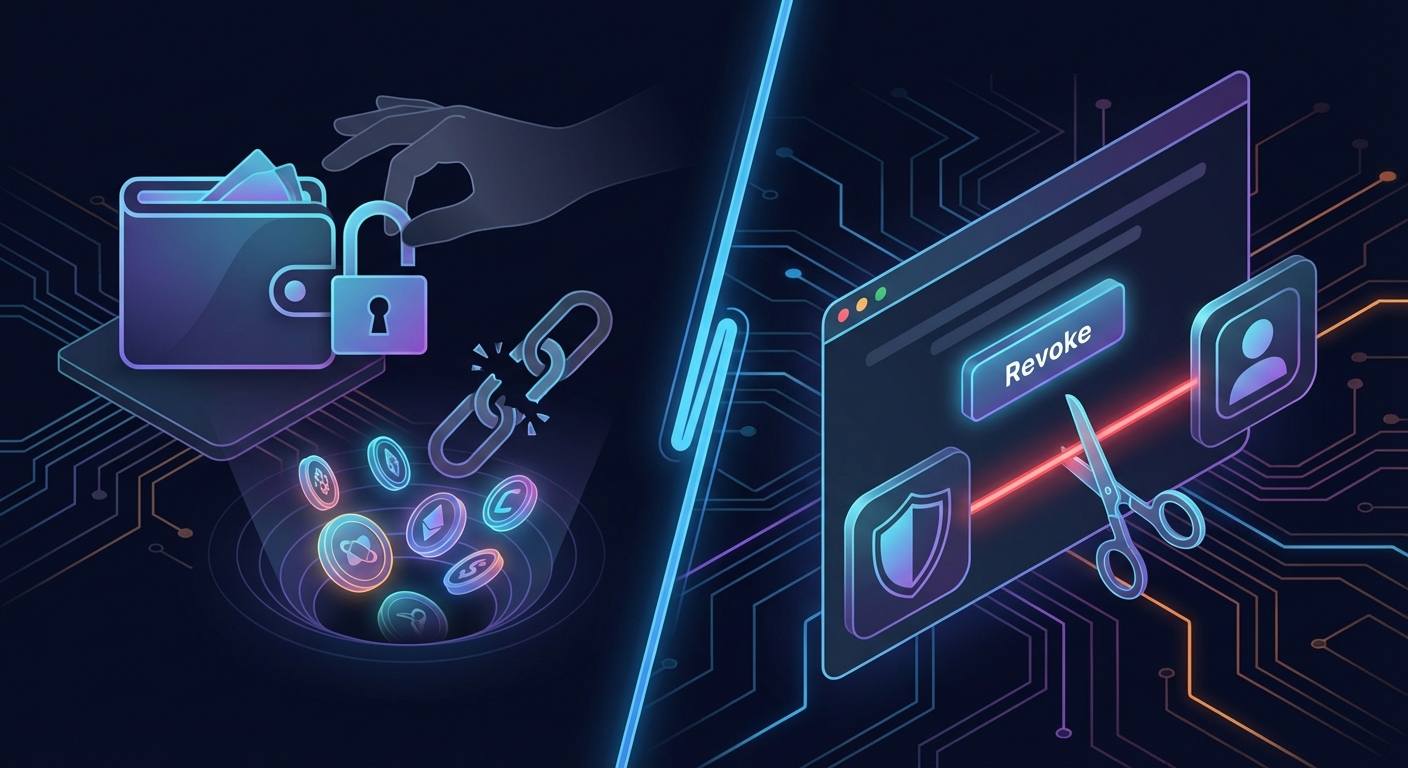
You connect your wallet to a new DeFi protocol, swap some tokens, and move on with your day. Weeks later, your wallet is empty. No phishing email. No compromised seed phrase. Just a single approval you forgot about, now weaponized by a malicious contract.
Token approval exploits are one of the most underestimated security risks in crypto. They happen silently, often months after the initial interaction, and they drain funds without requiring your password or private key. Understanding how these exploits work and how to revoke dangerous approvals is essential for anyone participating in decentralized finance.
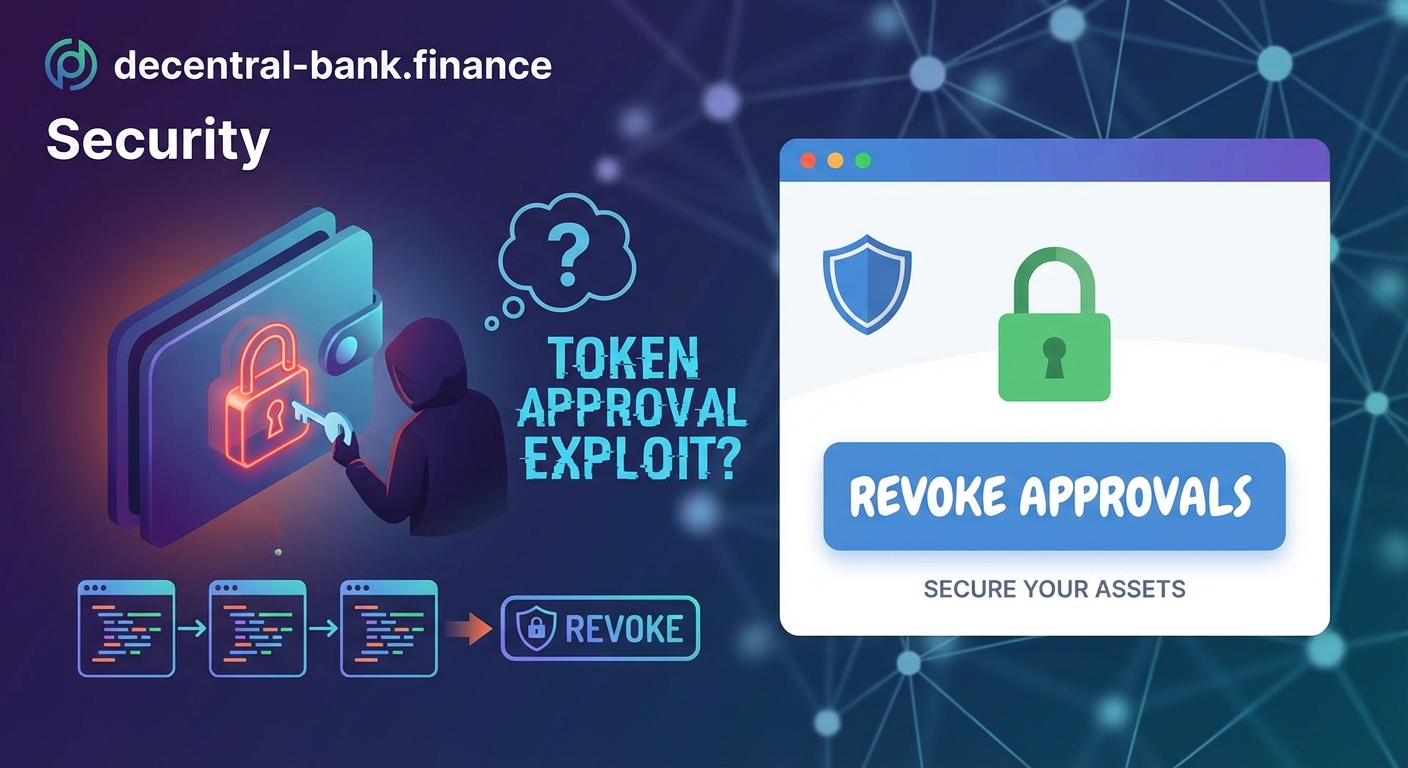
Token approval exploits occur when malicious smart contracts use permissions you previously granted to drain your wallet. Disconnecting your wallet does not revoke these approvals. You must manually revoke each approval using tools like Revoke.cash or Etherscan. Regular audits of your active approvals reduce risk significantly, especially after interacting with new protocols or clicking suspicious links.
What token approvals actually do
Token approvals are permissions you grant to smart contracts, allowing them to move tokens from your wallet on your behalf.
This mechanism exists because blockchain transactions require explicit permission. When you want to swap USDC for ETH on Uniswap, the Uniswap contract needs your approval to pull USDC from your wallet and execute the trade.
The approval process happens in two steps. First, you sign an approval transaction that grants the contract permission to spend a specific token. Second, you execute the actual trade or action. Some protocols request unlimited approvals to save gas fees on future transactions. Others request exact amounts.
Here’s the problem: approvals persist forever unless you revoke them.
Even after you stop using a protocol, the smart contract retains permission to access your tokens. If that contract gets exploited, upgrades maliciously, or was fraudulent from the start, your funds remain at risk.
How token approval exploits drain wallets
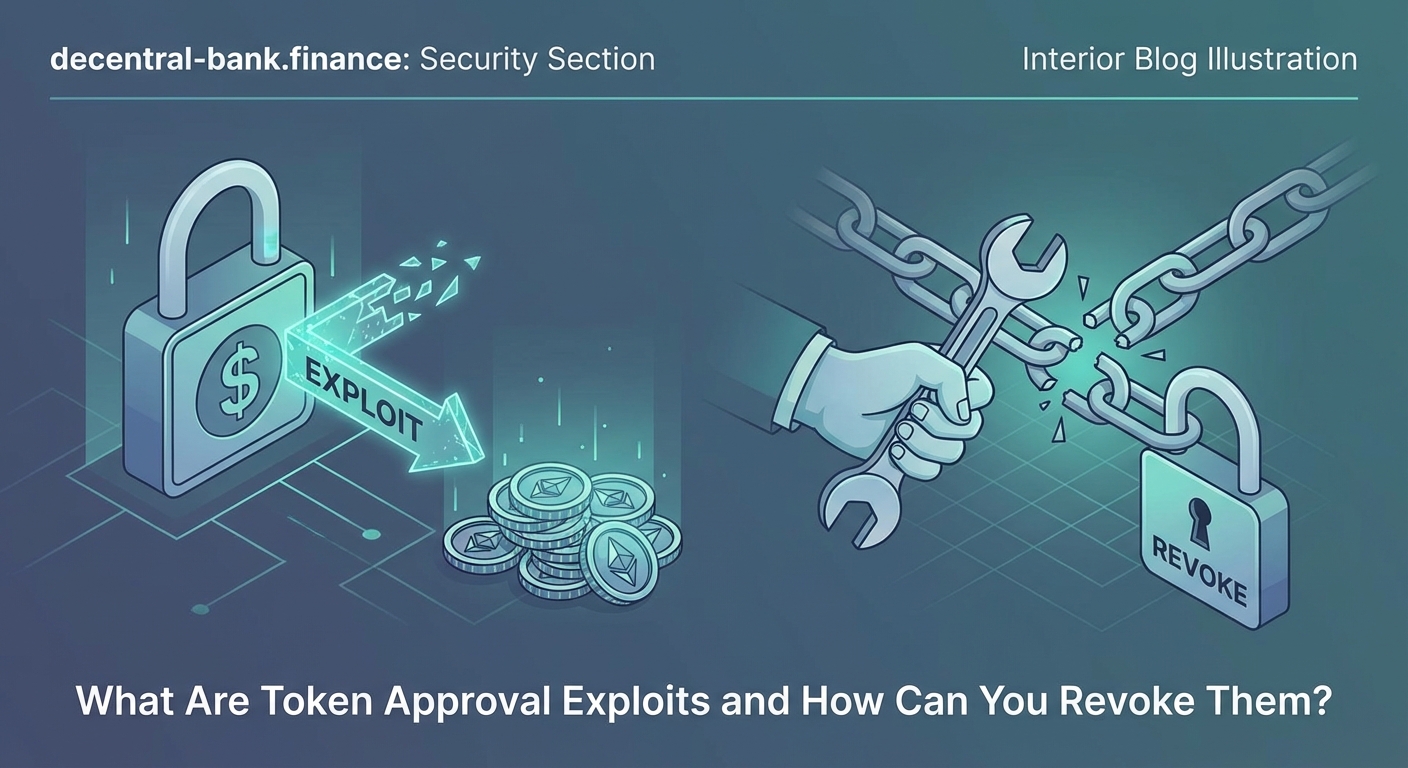
Attackers use several tactics to exploit token approvals.
Malicious dApps: Scammers create fake decentralized applications that mimic legitimate protocols. They lure users with promises of high yields, exclusive NFT drops, or governance tokens. When you connect your wallet and approve the transaction, you grant the malicious contract unlimited access to your tokens. The contract immediately drains your wallet or waits until you accumulate more funds.
Compromised protocols: Even legitimate protocols can become attack vectors. If a protocol’s smart contract contains a vulnerability or if the development team includes a bad actor, your existing approvals become liabilities. The 2023 Multichain exploit drained over $100 million from users who had previously approved the bridge contract.
Phishing sites: Attackers clone popular DeFi interfaces and distribute links through social media, Discord, or fake customer support channels. These sites look identical to the real protocol but connect to malicious contracts. Users approve what they think is a legitimate swap, only to lose everything.
Approval farming: Some scams don’t steal immediately. They collect approvals from thousands of wallets and wait. Once enough users have approved the contract, the attacker executes a mass drain. This delay makes it harder to trace the source of the compromise.
“Most users think disconnecting their wallet revokes permissions. It doesn’t. The approval lives on the blockchain, and the contract can execute it anytime. Revoking approvals is the only way to truly sever the connection.” – Security researcher at Trail of Bits
Why disconnecting your wallet changes nothing
This is the most dangerous misconception in crypto security.
When you click “disconnect” in MetaMask or another wallet, you’re only removing the website’s ability to see your address and request new signatures. You’re not touching the blockchain.
The approval you signed earlier is a transaction recorded on Ethereum or whatever network you used. That transaction gave a specific contract address permission to move your tokens. Disconnecting your wallet from the website doesn’t reverse that on-chain permission.
Think of it like giving someone a key to your house. Walking away from them doesn’t take the key back. They still have it until you physically retrieve it or change the locks.
The same applies to token approvals. The contract retains access until you submit a revoke transaction to the blockchain.
Common approval mistakes that increase risk
| Mistake | Why It’s Dangerous | Better Approach |
|---|---|---|
| Granting unlimited approvals | Contracts can drain your entire balance at any time | Approve exact amounts for each transaction |
| Never auditing old approvals | Forgotten permissions accumulate over months | Review approvals monthly or after new protocol interactions |
| Trusting “verified” badges alone | Scammers fake verification icons on phishing sites | Always verify the URL and contract address independently |
| Approving tokens on untested protocols | New contracts may contain vulnerabilities or backdoors | Wait for audits and community validation before approving |
| Using the same wallet for everything | A single compromised approval risks your entire portfolio | Separate wallets for high-value holdings and experimental DeFi |
How to revoke token approvals step by step
Revoking approvals requires submitting a transaction that removes the contract’s permission to access your tokens.
Here’s how to do it on Ethereum using Revoke.cash, the most trusted approval management tool.
-
Navigate to Revoke.cash and connect your wallet. The site supports MetaMask, WalletConnect, Coinbase Wallet, and most other providers. Make sure you’re on the correct network. Revoke.cash works on Ethereum, Polygon, Arbitrum, Optimism, and over 100 other chains.
-
Review your active approvals. The dashboard displays every contract that has permission to spend your tokens. Each entry shows the token name, the contract address, the amount approved, and the date you granted permission. Sort by allowance amount to identify unlimited approvals first.
-
Select approvals to revoke. Click the “Revoke” button next to any approval you want to remove. You can revoke multiple approvals in one session, but each revocation requires a separate transaction and gas fee.
-
Confirm the revoke transaction in your wallet. Your wallet will prompt you to sign a transaction that sets the approval amount to zero. This costs gas, typically between $2 and $20 depending on network congestion.
-
Wait for confirmation. Once the transaction processes, the contract no longer has permission to access that token. You can verify the revocation by refreshing the Revoke.cash dashboard.
For users who prefer not to use third-party tools, you can also revoke approvals directly through Etherscan.
Navigate to the token contract on Etherscan, connect your wallet, and use the “Write Contract” function to call the approve method with the spender address and an allowance of zero. This achieves the same result but requires more technical knowledge.
When you should audit your approvals
Regular audits prevent most token approval exploits.
Here are the situations that warrant an immediate approval review:
-
After connecting to a new protocol. Even if the protocol seems legitimate, verify what you approved. Check if the approval was unlimited and whether you still need it after completing your transaction.
-
Following a phishing attempt. If you clicked a suspicious link or connected your wallet to an unfamiliar site, audit your approvals immediately. Scammers often slip malicious approvals into what looks like a normal transaction.
-
Before moving large amounts into your wallet. If you’re about to transfer significant funds from an exchange or another wallet, audit your approvals first. Don’t give old permissions access to new capital.
-
Every month as routine maintenance. Set a calendar reminder to review your approvals. Most users accumulate dozens of forgotten permissions over time. Monthly audits keep your attack surface minimal.
-
After hearing about a protocol exploit. When a DeFi protocol gets hacked or rug pulls, check if you have any approvals associated with it. Even if you didn’t lose funds in the initial exploit, your approval could still be used later.
Choosing the right wallet also matters. Hardware wallets add a layer of protection by requiring physical confirmation for every transaction, but they don’t prevent approval exploits. You still need to revoke dangerous approvals manually.
Tools and browser extensions for ongoing protection
Several tools help you monitor and manage approvals in real time.
Revoke.cash browser extension: This extension alerts you when you’re about to grant an approval and shows you exactly what you’re authorizing. It works on Chrome, Firefox, and Brave. The extension doesn’t block transactions, but it adds friction to the approval process, giving you time to reconsider.
Fire wallet monitor: This tool sends notifications when contracts you’ve approved make unusual moves. If a contract you authorized six months ago suddenly starts draining wallets, you’ll get an alert before it reaches yours.
Wallet transaction simulators: Tools like Tenderly and Pocket Universe simulate transactions before you sign them. They show you the expected outcome, including token movements and approval changes. If a transaction would grant unlimited approval to an unknown contract, the simulator flags it.
Custom RPC endpoints with security layers: Some RPC providers integrate security checks that warn you about known malicious contracts. Chainstack and Alchemy both offer enhanced endpoints that block transactions to flagged addresses.
These tools reduce risk, but they’re not foolproof. Scammers constantly evolve their tactics. Your best defense is understanding what you’re approving and auditing regularly.
What to do if your wallet gets drained
If you discover an active exploit draining your wallet, speed matters.
First, stop using the compromised wallet immediately. Don’t send more funds to it or attempt to rescue remaining assets until you’ve revoked all approvals. Sending more tokens just feeds the attacker.
Second, identify which approval caused the drain. Check your transaction history on Etherscan or the relevant block explorer. Look for recent outgoing transactions you didn’t initiate. The “To” address in those transactions is the malicious contract.
Third, revoke the malicious approval using Revoke.cash or Etherscan. Even though your funds are gone, revoking the approval prevents further damage if you accidentally send more tokens to that wallet later.
Fourth, transfer any remaining assets to a new wallet with a fresh seed phrase. Don’t reuse the compromised wallet for anything valuable. Treat it as permanently tainted.
Finally, report the malicious contract. Submit the address to Etherscan for flagging, post details in community forums, and report it to the Revoke.cash team. Your report helps protect other users.
Unfortunately, recovering stolen funds is nearly impossible. Blockchain transactions are irreversible, and attackers typically move stolen assets through mixers immediately. Law enforcement rarely recovers crypto stolen through smart contract exploits.
How protocols are improving approval safety
The DeFi ecosystem is slowly adopting safer approval standards.
EIP-2612 and permit functions: This standard allows approvals to happen within the same transaction as the token transfer. Instead of signing a separate approval transaction, you sign a permit message that the protocol includes in the swap transaction. This eliminates the risk of lingering approvals because permission expires immediately after use.
Time-limited approvals: Some newer protocols implement approvals that automatically expire after a set period. If you don’t use the approval within 24 hours or seven days, it becomes invalid. This reduces the window of opportunity for attackers.
Approval amount warnings: Wallets like MetaMask and Rainbow now display warnings when you’re about to grant unlimited approvals. The warning explains the risk and offers an option to approve exact amounts instead.
Gasless revocations: A few projects are experimenting with sponsored revocations, where the protocol covers the gas cost for users to revoke old approvals. This removes the financial barrier that prevents many users from maintaining approval hygiene.
These improvements help, but they’re not yet universal. Most DeFi protocols still use traditional approval mechanisms, and many users still grant unlimited permissions without understanding the risk.
Protecting yourself beyond revocations
Revoking approvals is essential, but it’s only one layer of security.
Use separate wallets for different activities. Keep a cold wallet for long-term holdings that never interacts with DeFi protocols. Use a hot wallet for providing liquidity or borrowing against your assets. If the hot wallet gets compromised, your cold storage remains safe.
Verify contract addresses before approving anything. Scammers create fake tokens with names identical to legitimate projects. Always check the contract address against the official project website or a trusted source like CoinGecko.
Avoid clicking links in Discord, Telegram, or Twitter DMs. Most phishing attacks start with a malicious link. Type URLs manually or use bookmarks for protocols you use regularly.
Stay informed about common scam patterns. Understanding how attackers operate helps you recognize red flags before you approve anything.
Enable transaction simulation in your wallet settings if available. Seeing the expected outcome before signing adds a critical verification step.
Approvals are permissions, not suggestions
Token approvals give smart contracts real power over your assets.
They’re not temporary. They don’t expire when you close your browser. They persist on the blockchain until you explicitly revoke them.
Treating approvals like the permanent permissions they are changes how you interact with DeFi. You become more selective about which protocols you trust, more diligent about revoking old permissions, and more aware of what you’re authorizing.
Audit your approvals today. Set a monthly reminder. Use tools that help you monitor active permissions. These small habits make the difference between keeping your crypto safe and becoming another statistic in the next exploit report.
Your wallet security is your responsibility. The blockchain won’t protect you from permissions you voluntarily granted, but understanding how approvals work gives you the knowledge to protect yourself.